
Photo Marker – Snap a Photo, Mark It on the Map
See something worth coming back to? Snap a photo and Lake Genius drops a pin on your map right where it’s at. A hidden cove, a rock formation, a fishing spot that’s producing – take the picture and it’s marked. Next time you’re at the lake, you’ll know exactly where it is.


Start your free trial · No credit card required
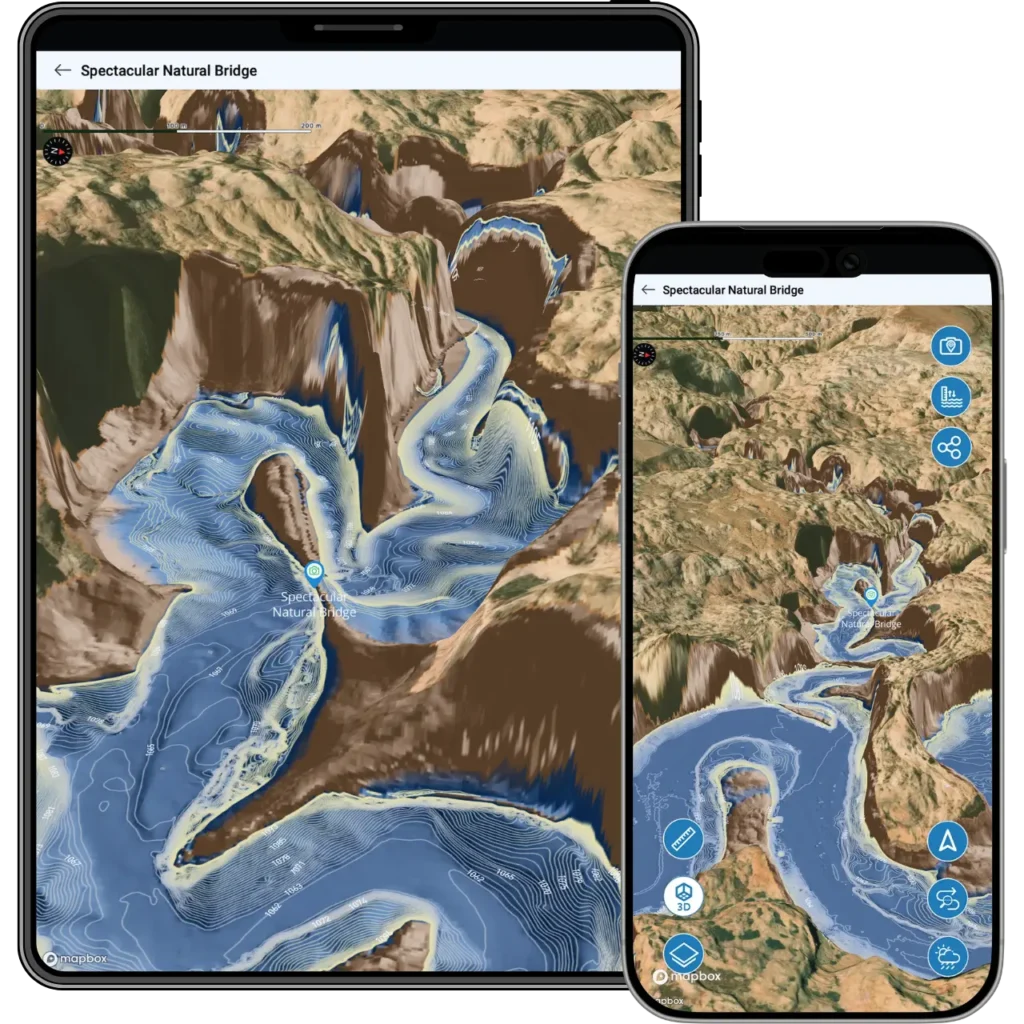
How Photo Marker Works
Snap a photo
See something you want to remember – a cove, a fishing spot, a cliff formation, anything. Open Photo Marker and take the shot.
The app marks it on your map
Lake Genius uses your GPS location to drop a pin on the map right where the photo was taken. Your photo is attached to the marker so you can see exactly what you tagged.
Come back to it anytime
Next trip, next season, next year – your Photo Marker is saved on the map until you delete it. Tap the pin and your photo pops up, so there’s never any question about what you marked or why.
MARK DISTANCE OR DIRECTION
Mark What You’re Looking At – Not Just Where You’re Standing
Photo Marker doesn’t just pin your current GPS position. If you’re looking at something across the water – a rock formation on the far canyon wall, a beach you want to visit tomorrow – you can enter the estimated distance to the subject or tap a point on the map in the direction your camera is facing. The pin drops there, not where you’re standing.
This makes Photo Marker useful for scouting ahead. Spot a promising cove from across the lake? Mark it now, explore it later.
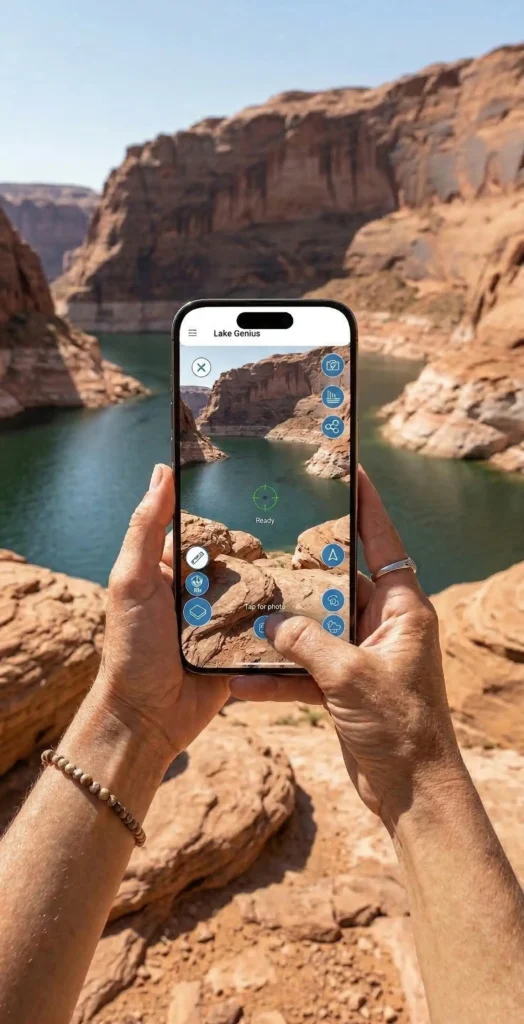
Mark Anything Worth Remembering
Fishing spots
Tag the location where the fish were biting with a photo of your catch or the GPS coordinates of the spot. Pull it up next time you’re chasing the same species.
Hidden coves and beaches
Found the perfect anchoring spot? Mark it with a photo so you can find it again – even after water levels shift the shoreline.
Rock formations and landmarks
Petroglyphs, arches, slot canyon entrances, cliff jumps – if it caught your eye, mark it and share it with friends.
Hazards and warnings
Spotted a shallow area, a partially submerged object, or a tricky approach? Mark it for yourself so you remember to steer clear next time.
TESTIMONIALS
What Boaters Are Saying
We’ve taken several family houseboat trips to the lake in years past. We normally relied on maps.
I was happy to find an affordable electronic option when I learned of Lake Genius, so downloaded it and subscribed prior to our trip in mid-October 2025. Looking at the app at home I was impressed with the amount of detail concerning elevations and landmarks. In use on the lake, I had a hard time finding a zoom level that would show me both buoy locations and enough elevation / depth information to be useful while underway, but recent updates have fixed that. We found the app very useful overall and a great value.
— DonJ60
Rarely do I leave reviews on apps, but this is an absolute must have in Lake Powell!!
Thank you for an awesome app to help with boating —especially with Lake Powell newbies like us. Heck, even my long time Lake Powell buddies thought this was amazing.
— Mxracer317
- Lake Powell
This app is awesome!
Such a great way to spot underwater hazards easily on your phone. Saves you a lot of hassle and money from hitting your prop on a rock!
— Liv.ballam
Frequently Asked Questions
How does the Photo Marker feature work?
How does the Photo Marker feature work?
Open Photo Marker, snap a photo of anything you want to remember, and the app drops a pin on your map at that location. Your photo is saved with the marker so you can see exactly what you tagged when you come back.
Can I mark how far away something is?
Can I mark how far away something is?
Yes. Photo Marker lets you enter a distance to the subject or tap a point on the map in the direction your camera is facing. The pin drops at the estimated location of what you’re looking at, not just where you’re standing.
What can I use a Photo Marker for?
What can I use a Photo Marker for?
Anything worth remembering. Boaters use it to mark fishing spots, hidden coves, scenic overlooks, rock formations, hazards, and more. If you can photograph it, you can mark it.
Is Photo Marker included in the free trial?
Is Photo Marker included in the free trial?
Yes. Every feature in the app – including Photo Marker, the X-Ray View, trip planning, and all 2,000+ points of interest – is available during the free trial. No credit card required.
See It in Action
Download Lake Genius and try Photo Marker during your free trial. Snap a photo, mark it on the map, and see how it feels to never lose a favorite spot again.
5,000+ downloads · Trusted by marina operators